Let someone else connect for you
Send a link to the person who holds your logins. They connect your accounts without a Filo login.
When someone else looks after your Facebook, Instagram or ads (a colleague, a relative, an agency), you do not need their passwords and they do not need a Filo account. You send them a link, they tap Connect.
You
Make the link in Filo
You
Send it by WhatsApp or email
They
Open it and connect the accounts
Good to know first
- The link works for 7 days. After that, make a new one.
- Anyone who has the link can use it. Send it only to the person you trust with your accounts.
- The link cannot be switched off early. It stops by itself after 7 days.
- With the link they can connect accounts. They cannot remove accounts, switch Filo on or off, or see anything else in your workspace.
Your part
Tap Share setup link
Open Settings, then Integrations. Not sure where? See where to connect.
 Tap here
 Tap here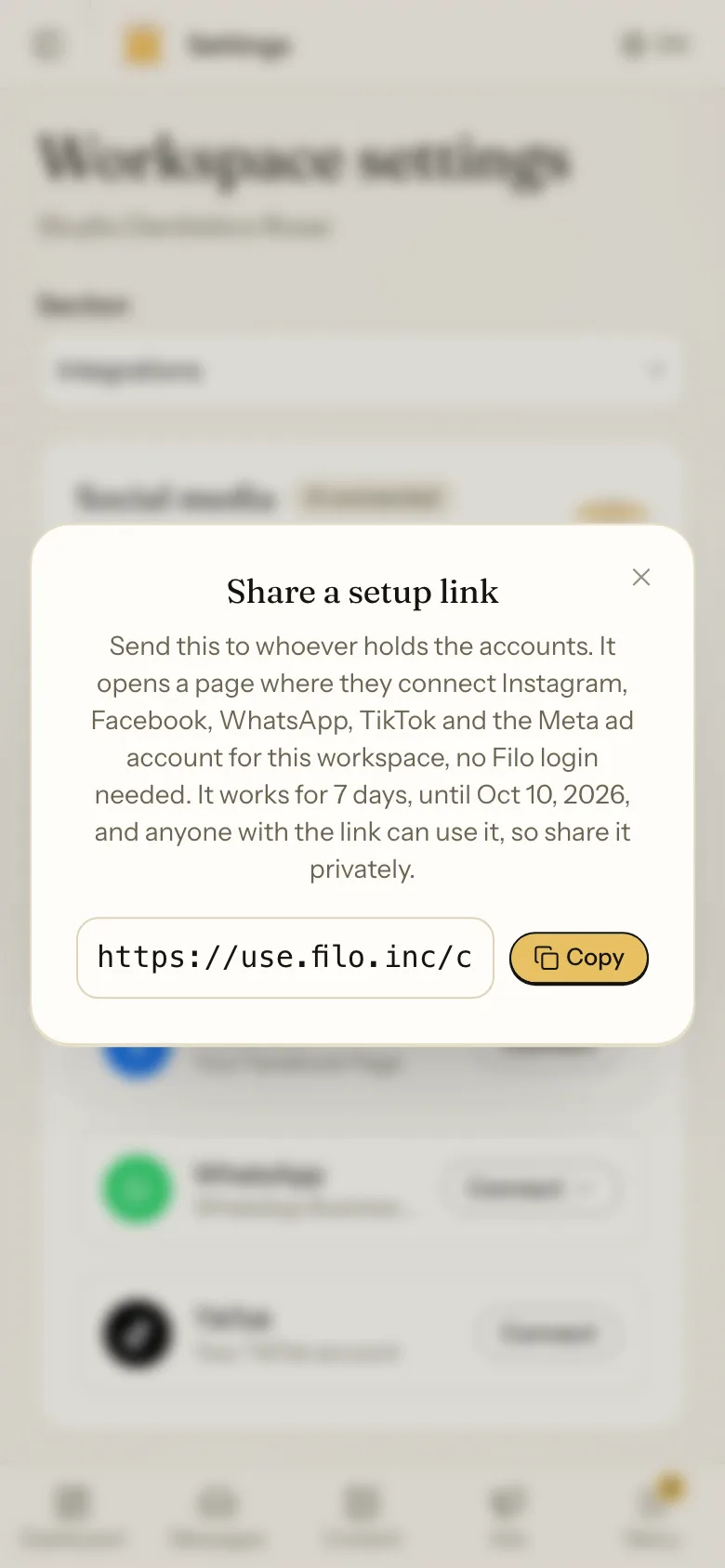
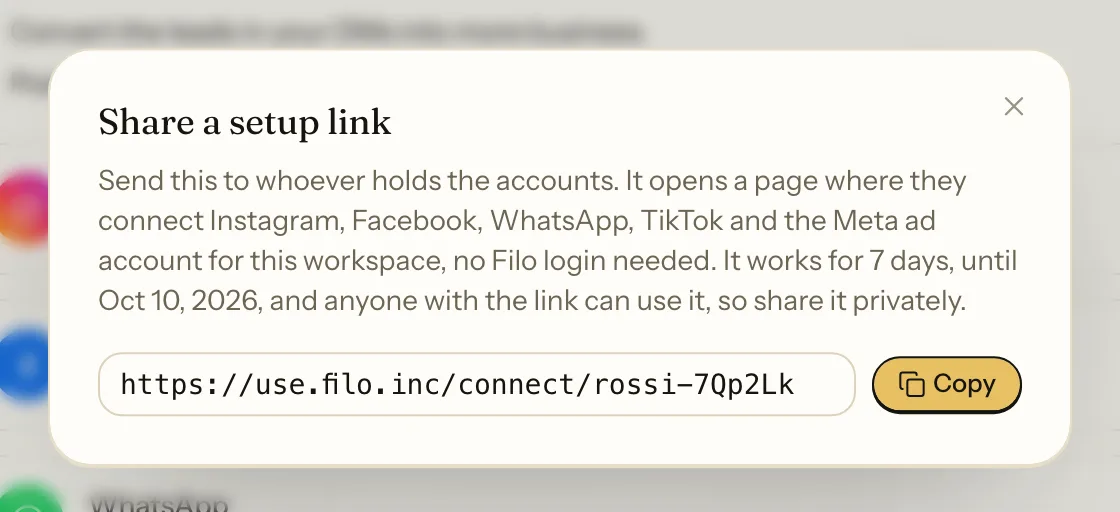
Send it
Paste the link into a WhatsApp message or an email to the person who holds the logins. You can write:
Hi, we now use Filo for our posts and messages. Could you open this link and connect our Instagram, Facebook and ad account? It takes about 5 minutes and you do not need an account.
Their part
They open the link on their phone or computer. They see the name of your business and a Connect button for each account. The page is available in English, Spanish and Italian.
 They tap Connect
 They tap ConnectTheir language
Each button works exactly as in Filo. You can send them these pages too: Instagram, Facebook, WhatsApp, Meta ad account.
When they are done they just close the page. You see the connected accounts in your Settings straight away.
If something goes wrong
The 7 days are over, or part of the link got lost when it was copied. Make a new link and send it again.
That account is used in another Filo workspace. For Instagram, Facebook and TikTok they can connect it here too. Read what sharing means.
Open Settings, then Integrations, and remove it yourself. See Remove an account. Then they connect the right one with the same link.