
Manage your connected accounts
Switch Filo on or off per account, connect several locations, share or remove an account.
Once an account is connected, you decide what Filo does on it. Everything on this page is in Settings, section Integrations.
 One row per account
 One row per account
Switch Filo on or off for one account
Each connected account has its own switches. Tap a switch to change it. It works straight away.
| Switch | On | Off |
|---|---|---|
| Conversations | Filo answers the messages on this account | New messages on this account do not reach Filo, and nobody gets a reply from Filo. Your earlier conversations stay |
| Content | Filo publishes your approved posts to this account | Posts for this account wait. Nothing is published until you switch it on again |
Instagram and Facebook have both switches. WhatsApp only has Conversations.
 MessagesPosts
 MessagesPosts
Going on holiday, or want to answer everything yourself for a while? Switch off, do not remove.
Several locations
Your locations share one workspace. Connect each location's account one after the other. After the first, the button reads Add another. Tap it and sign in with the next account.
Connect the next oneConnect the next oneEach location has its own workspace. Switch workspace with the name at the top of the menu, then connect that location's accounts there. An account that both locations use, like one shared Instagram, can be connected to both. See below.
One account in two workspaces
When you connect an Instagram account, a Facebook Page or a TikTok account that is already in another Filo workspace, Filo asks first.
 Tap to share it
 Tap to share it
What sharing means:
- Both workspaces post to the same account. Everything either one publishes appears on the same profile.
- Only one workspace answers its messages. In the workspace you add it to, Conversations starts switched off, so a customer never gets two replies. To move the answering here, switch it off in the other workspace first, then on here.
- Removing it from one workspace leaves it connected to the other.
A WhatsApp number and a Meta ad account can only be in one workspace.
Sign in again
Changed the password of an account, or Filo stopped posting to it? Tap Add another next to that platform and sign in with the same account. Filo refreshes the connection. Nothing is lost and no second row appears.
Remove an account
Removing is final. Read what goes and what stays first.
| Goes | Stays |
|---|---|
| The connection | Your posts. Scheduled posts go back to review and wait until you connect the account again |
| The message history of this account in Filo | The account itself, on Instagram, Facebook or WhatsApp. Nothing changes there |
Tap Remove on the account
Tap RemoveTap Remove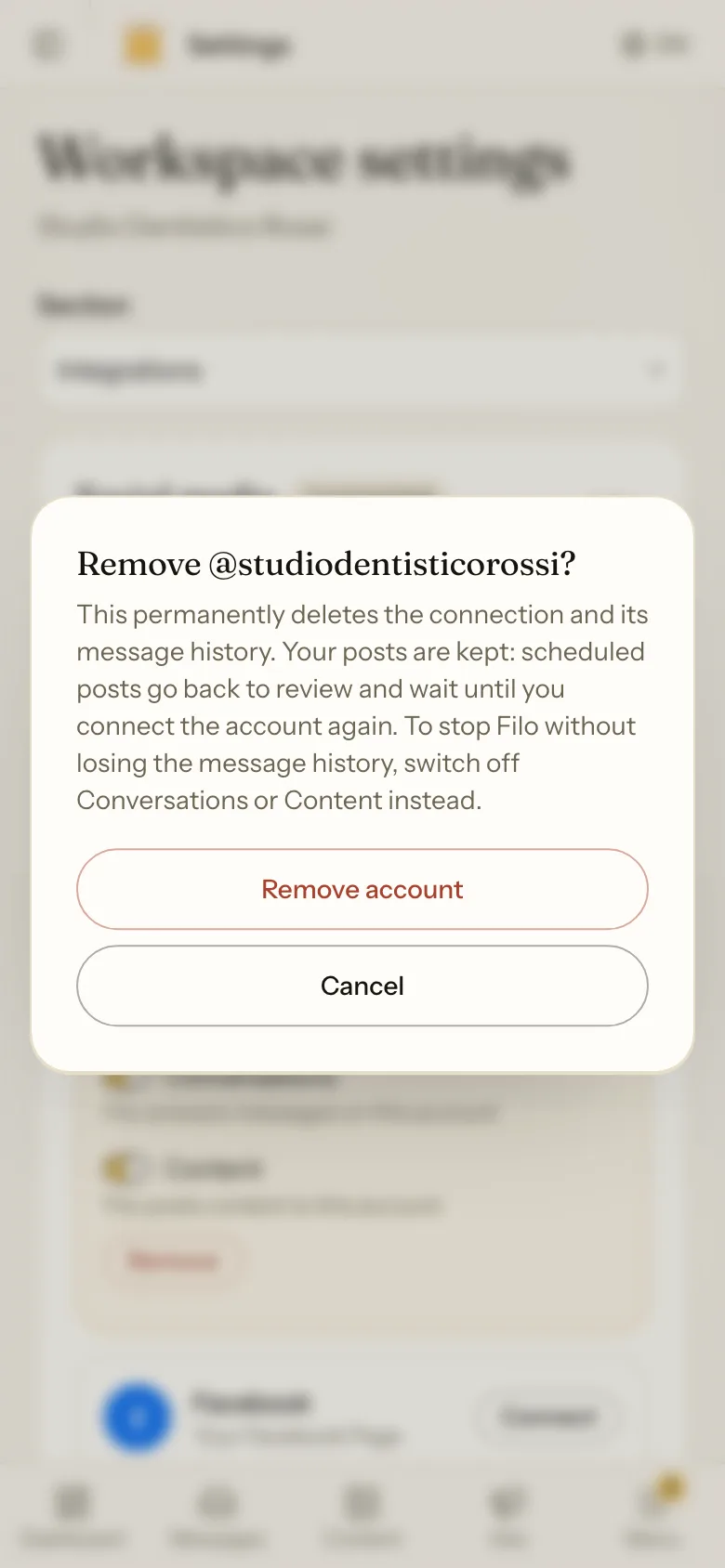
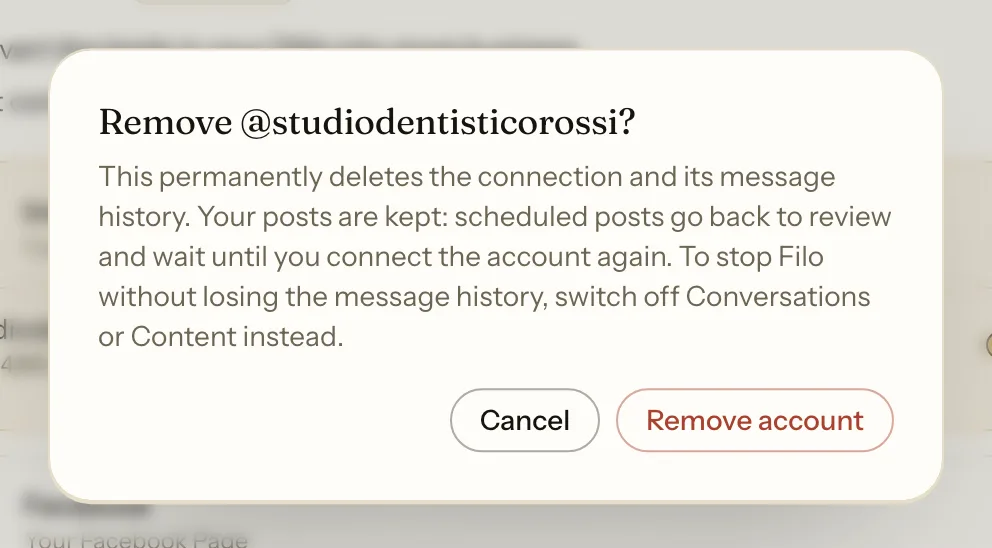
Only want Filo to stop for a while? Switch off Conversations or Content instead. Your message history stays.
If something goes wrong
Another workspace answers the messages of this account. Open that workspace, switch Conversations off there, then switch it on here.
You are a member of this workspace, not an admin. Only the owner and admins can change connected accounts. Ask the owner.
Connect it again. Your posts are still there. The ones that were scheduled are waiting in review: nothing goes out by itself, so schedule them again. The old message history of that account does not come back.